
Gledhill Creative
Brand Guidelines
System
Guides
The highlighted region defines the Guides, these are rows and columns that make up to the page. These help with the design process in terms of knowing where to put elements on the page. They can help with layouts and making sure the page doesn't feel crowded or free.

Inner Safe Area
The highlighted region defines the designated design area. All visual elements, assets, and content should be placed within this boundary. Areas outside the highlight are non-design zones and must remain clear of any elements - unless they are a background or image

Columns
The highlighted area indicates the column boundaries where all assets should begin and end. Elements must align within these columns to maintain proper structure and consistency.

Margins
The highlighted area represents the column gutters. These gaps provide consistent spacing between assets, ensuring the layout feels balanced, uncluttered, and visually connected across the page.

Outer Margins
The highlighted area marks the outer page margins. No assets should be placed here—these margins create breathing space for the design and ensure key information remains clear, accessible, and visually focused within the page.

Page Types
These examples show title page designs with guides applied. The guides define safe areas, column gutters, and margins, ensuring assets are consistently placed and the layout maintains balance and clarity.
Example. 01

Example. 02

Example. 03

Project Cards
These are examples of project cards shown across different device sizes and orientations. They demonstrate how each card should appear within a carousel, maintaining consistency and readability. Project cards can be used to showcase individual works, case studies, or featured content, giving users a clear and engaging way to browse through projects.

Carousel Project Card
This example showcases a larger project card designed for carousel displays. The expanded format allows for more detailed content, such as project descriptions, imagery, or key highlights, while still maintaining visual balance and consistency across devices.
PC/Ipad

Mobile

Articles
This example shows an article card, designed to highlight written content such as blog posts, news, or thought pieces. It provides a clear structure for titles, summaries, and supporting visuals, ensuring readability and easy navigation within a feed or carousel.

Icons
These are icons that may appear throughout the website and in related work. They use a modern, rounded style to maintain consistency with the overall design guidelines and visual language.

Design System
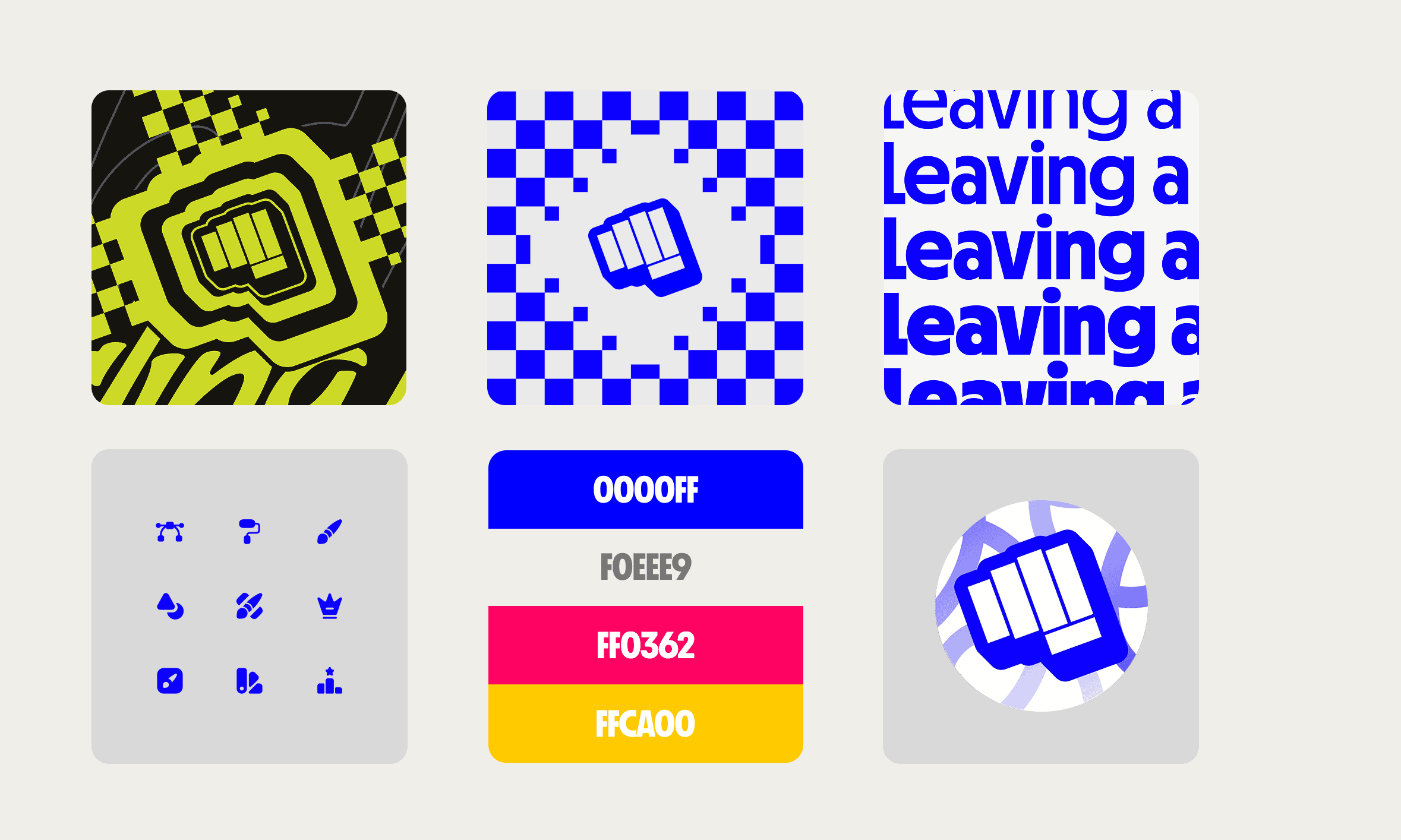
These are all examples of assets that are connected to the brands system. These are the fundamentals behind the brand and how I portray the style. Between each element the guides vary and have been crafted to connect deep into the brands ethos and legacy.
Next Page